
Emoji Guess Master
Free to play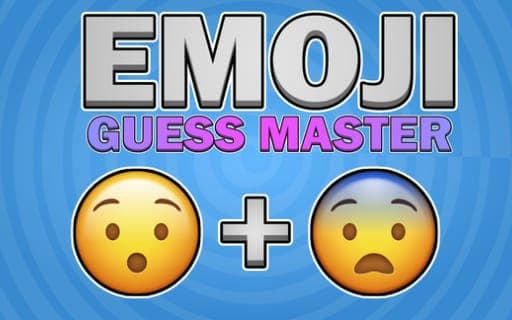
Emoji Guess Master
Game by Playgama. The provider may show ads and use cookies. Learn more
- Category
- Puzzle
- Platform
- Web browser
- Provider
- Playgama
- Price
- Free to play
About Emoji Guess Master
Each round of Emoji Guess Master puts a single word on screen along with a set of emojis to choose from. Your task is to pick the two emojis that, taken together, match that word. Get the pairing right and you move forward; the puzzle lies in reading the little pictures the way the word intends.
The game is built on creativity and quick thinking more than on vocabulary drills. Intuition counts as much as word knowledge, because the answer depends on how two separate pictures add up to one idea. A range of difficulty levels lets the challenge grow as you improve, and the bright, colorful visuals keep the screen lively. Rounds suit a short session just as well as a longer sitting, and the only inputs needed are taps on a phone or left clicks on a computer.
Game provided by Playgama
How to play Emoji Guess Master
Objective
Pick the right pair of emojis for each word you are shown, and keep matching correctly to climb through the difficulty levels.
Controls
Desktop
- Left mouse button: click interface elements and select emojis
Mobile
- Tap: use the interface and select emojis
Getting started
- Start a round and read the word displayed for it before you look at the emoji choices.
- Think about what the word means and which two pictures could express that meaning when combined.
- Select your first emoji with a tap on a phone or a left click on a computer, then choose the second one.
- When the pairing is correct, carry on to the next word and work your way up through the difficulty levels.
Tips
- Answers always come as a pair, so look for two emojis that each cover part of the word's meaning instead of hunting for one picture that says everything.
- Break a tricky word into its parts or its associations; two emojis can stand for two halves of one idea, such as an object and an action.
- On easier levels, go with the first pairing that clicks, since the game is about quick thinking and second-guessing an obvious match only slows you down.
Play in your browser. No download needed.
Emoji Guess Master FAQ
How many emojis do you pick for each word in Emoji Guess Master?
Two. Each round shows a word, and you select the two emojis that match it. Choosing the right pairing is what moves you forward through the difficulty levels, so both picks have to fit the meaning.
What are the controls for Emoji Guess Master on phone and PC?
On a phone, tap the screen to use the interface and pick emojis. On a PC, use the left mouse button to click interface elements and select emojis. Both versions play the same way: read the word, then choose two pictures.
Does Emoji Guess Master work for short play sessions?
Yes. A round takes only a word and two choices, so it fits a quick break, while the range of difficulty levels gives you something to keep working on during a longer session as well.