
Penalty Shootout Games: Aiming and Saving Compared
On this page
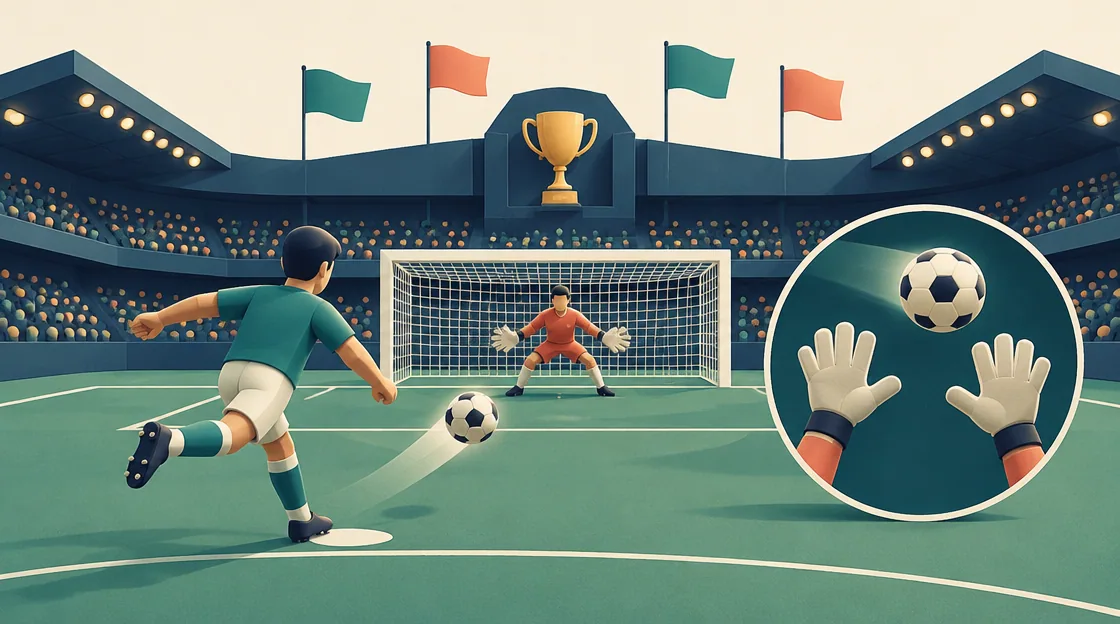
Penalty shootout games ask you to solve two different timing problems: send the ball past a keeper and then become the keeper facing the next attempt. A game can feel straightforward while shooting and unfamiliar as soon as the role changes. Choose a shootout with the competition structure and controls you want to learn.
Penalty Kick Wiz, Penalty Shooters and Penalty Challenge all document both roles. They differ in team selection, cup progression and the amount of in-match input detail supplied by their guides.
Compare the format of penalty shootout games
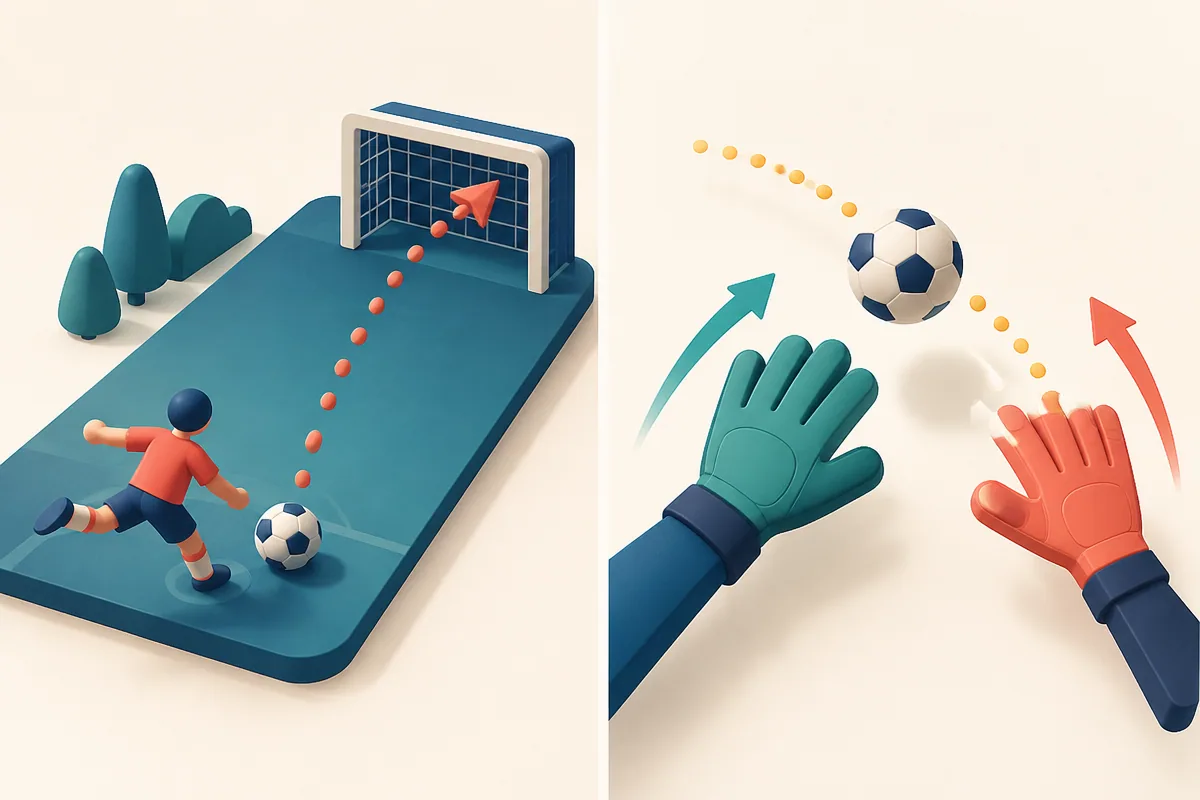
Illustration: A curved gesture path on the left and moving gloves on the right split attacking from saving.
| Game | Progression emphasis | Control detail established |
|---|---|---|
| Penalty Kick Wiz | Cups and career statistics | Team selection; check match prompts |
| Penalty Shooters | A cup with cumulative points | Role switching; check match prompts |
| Penalty Challenge | Experience and competition | Kick gesture and mouse gloves |
The same mouse may be used in different ways. A team-selection click is not evidence for the exact shooting or saving action, so learn the prompt that appears when the match begins.
Penalty Kick Wiz: understand selection and the two totals
Penalty Kick Wiz tracks cups, matches, goals and saves. Its team screen contains national teams with some choices locked at the start. Selecting an available flag and continuing begins the path toward penalty duels. The catalog establishes both kicking and goalkeeping but does not provide a complete verified in-match gesture sequence.
Treat goals and saves as separate feedback. If you score consistently but lose the duel, examine your response as goalkeeper rather than changing every shot. If shooting is the weak side, observe the aim and timing prompt before repeating the same input. Locked teams are a progression detail, not evidence that a familiar football nation guarantees easier wins.
Penalty Shooters: keep the cup goal in view
Penalty Shooters gives you a team and a sequence of cup shootouts. You alternate striker and goalkeeper, with total cup points displayed across the competition. Winning the current duel is what moves the team closer to the trophy.
Reset your attention when the role changes. The motion that selects a shot target is not automatically the right response while saving. Read the current on-screen instruction and observe the opponent before committing. The guide documents a continue prompt between screens but does not establish one universal click location for every penalty, so do not rely on an invented fixed aiming recipe.
Penalty Challenge: learn the gesture and glove movement
Penalty Challenge explicitly describes drawing a kicking gesture and moving mouse-controlled gloves while defending. It also offers player and team choices, opponents, experience and statistical progress. The core comparison is the shift from producing a trajectory to reacting with a keeper.
For shooting, change one part of the gesture at a time so the result is interpretable. For saving, watch the ball and the available glove control rather than replaying the offensive input. If a round goes wrong, identify which role caused the largest gap. A scoreboard total combines both tasks, so it can hide a consistent weakness on one side.
Use a two-part review after the shootout
Ask how many shots were intentional and how many saves reflected a deliberate response. A lucky goal and an unexplained save are enjoyable but provide less guidance for the next duel. Keep one consistent offensive idea while adjusting the defensive response, or reverse that order if shooting is the issue.
Choose Wiz for career-style totals and cup pursuit, Penalty Shooters for a cup-focused sequence, or Penalty Challenge for the explicitly documented gesture-and-gloves contrast. Choose a deliberate shot and review the response instead of relying on one fixed corner.
Related tags
Frequently asked questions
Do all three games include goalkeeping?
Yes. Their guides describe taking penalties and defending against the opponent. Learn the role-specific prompt rather than treating the match as shooting only.
Which game documents a drawn kick gesture?
Penalty Challenge explicitly describes drawing a kicking gesture and moving mouse-controlled gloves for saves.
Are every team and flag open in Penalty Kick Wiz?
Its guide describes some national-team choices locked at the start. Select an available team and follow the progression shown by the game.
Does Penalty Shooters track a cup?
Yes. Its shootouts progress through a cup competition with a total-points display across that cup.
Can one aiming corner guarantee goals?
No guaranteed corner or fixed keeper pattern is established. Read the current controls and observe the result of a deliberate shot.
Why review goals and saves separately?
A final result combines two tasks. Improving the stronger role may not solve a repeated problem in the weaker one.
Try the game that fits your next challenge
Play Penalty Kick WizMore sports guides
 Sports
Landing Timing Games: Skates, Flips and Body Control
Compare flip landings, endless skating and ragdoll dunk routes. Learn to inspect the approach and first contact before a late correction.
 Sports
Browser Golf Games: Long Drives or Planned Hole Shots
Choose between Golf Orbit distance upgrades and Just Golf obstacle holes. Compare swing timing, payouts, guided aim and optional star routes.
 Sports
Flight Landing Games: Routes, Tasks and Smooth Arrivals
Compare browser flight games by landing focus, cockpit interaction and varied missions. Choose a task and learn the control layout before flying.
 Sports
Fishing Game Styles: Bait Choices or Arcade Reactions
Choose fishing games by bait selection, slow-boat positioning or timed arcade catches. Compare three Zigzigo options and their documented controls.