
Robby Mini Games
Free to play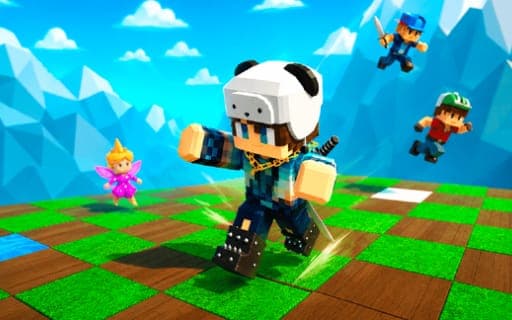
Robby Mini Games
Game by Playgama. The provider may show ads and use cookies. Learn more
- Category
- Sports
- Platform
- Web browser
- Provider
- Playgama
- Price
- Free to play
About Robby Mini Games
Robby Mini Games gathers more than 20 short mini-games into one package, some played against rivals and others on your own. Everything starts in a central lobby where you can already fool around: kick a soccer ball, mess about on the swing or warm up with a light round before heading into one of the proper games.
Each mini-game is a quick challenge, so sessions tend to hop from one to the next. Playing earns coins, and game gifts can be collected along the way; both go toward accessories for dressing up your character. On a computer you move with WASD, look around with the mouse and jump with Space, and pressing E brings up the tutorial whenever you want a reminder of how things work. Phones swap all of that for an on-screen interface that covers every action.
Game provided by Playgama
How to play Robby Mini Games
Objective
Play through the mini-games alone or against rivals, earning coins and collecting gifts to spend on accessories for your character.
Controls
Desktop
- WASD: move
- Mouse: look around with the camera
- Space: jump
- E: open the tutorial
- Tab or Esc: pause
Mobile
- Game interface: on-screen controls for every action
- Move in any spot on the screen: shift the camera view
Getting started
- Press E on a computer to open the tutorial before you start, so the basics are clear from the first round.
- Walk around the lobby with WASD and the mouse, or the on-screen interface on a phone, and try the soccer ball and swing.
- Head into one of the more than 20 mini-games; some put you up against rivals, while others are solo challenges.
- Collect coins and game gifts as you play, then spend them on accessories for your character.
- Press Tab or Esc whenever you need to pause, then return to the round you were playing.
Tips
- Use the lobby's soccer ball and swing to get used to WASD movement, the mouse camera and Space jumps before a competitive mini-game.
- Mix solo mini-games with ones against rivals; both kinds are part of earning coins, so you can keep saving for accessories whichever you prefer.
- If the rules of a mini-game are unclear, press E for the tutorial rather than guessing, especially before a round against rivals.
Play in your browser. No download needed.
Robby Mini Games FAQ
How many games are packed into Robby Mini Games?
More than 20 mini-games, some against rivals and some played alone. On top of those, the lobby has its own distractions, including a soccer ball to kick and a swing, so there is always something to do between rounds.
What are coins and gifts used for?
You earn coins and collect game gifts while playing, and they go toward accessories for your character. That gives the collection a light progression layer, since every session moves you a little closer to a new look.
Which keys does Robby Mini Games use on a computer?
WASD moves your character, the mouse controls the camera, Space jumps, Tab or Esc pauses and E opens the tutorial. On a phone, the on-screen interface handles every action and moving anywhere on the screen turns the view.