
Customer Queue Games: Stocking, Service and Workload
On this page
In customer queue games, the line is the visible result of work happening too slowly somewhere else. The delay may be scanning, payment, restocking or preparing the order. Expanding the business before understanding that step can create more demand without improving service.
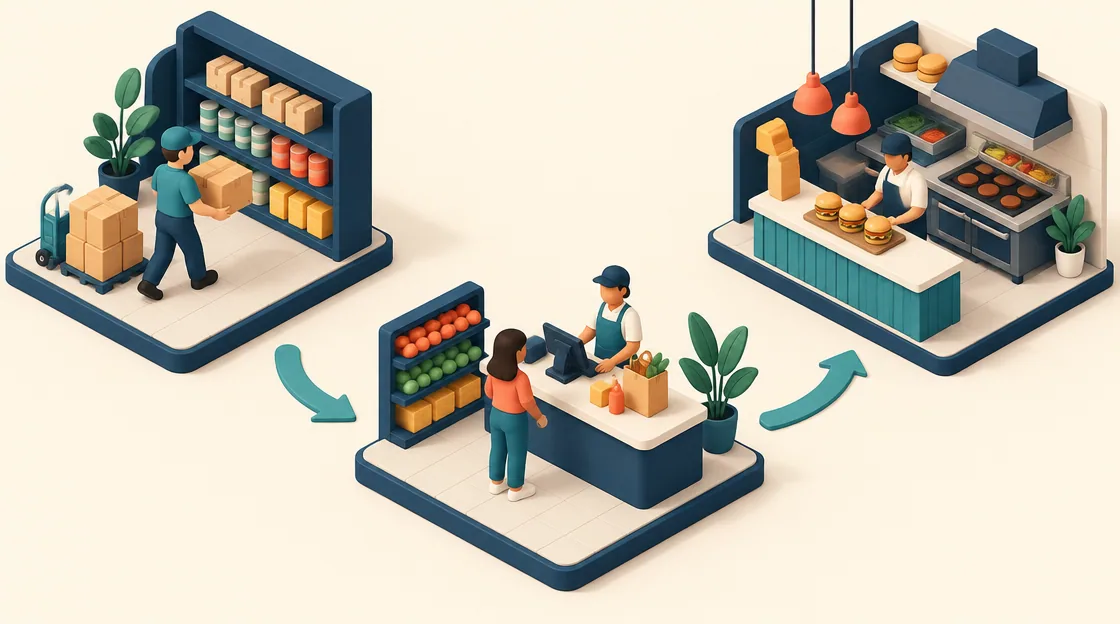
Shop Cashier Simulator 3D, Supermarket Expert Idle and Burger Restaurant Simulator 3D place the player at different points in the service sequence. Choose the activity you want to manage and learn where each sale becomes complete.
Customer queue games: compare the service bottleneck
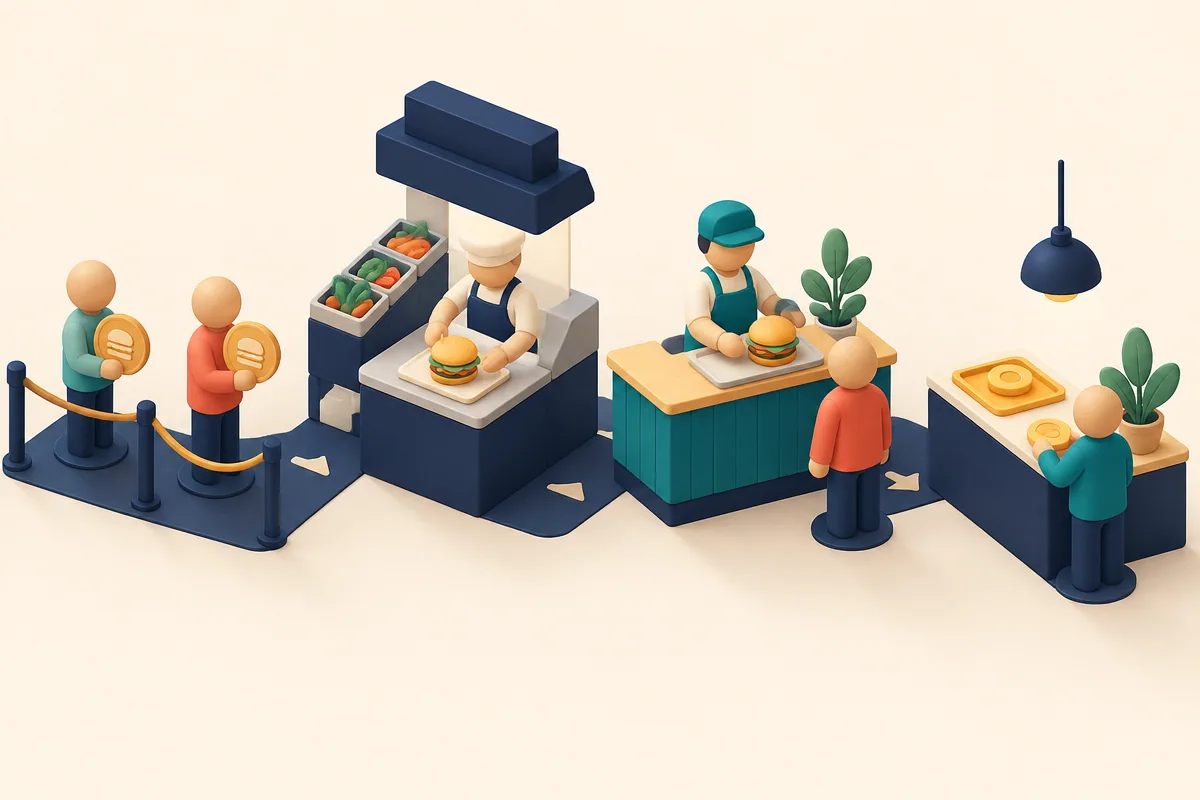
Illustration: One token waits before the preparation station, showing where a request stalls on its way to payment.
| Game | Hands-on task | What completes the sale |
|---|---|---|
| Shop Cashier Simulator 3D | Scan and handle payment | Correct items and transaction |
| Supermarket Expert Idle | Carry stock and serve checkout | Products reach departments and customers are served |
| Burger Restaurant Simulator 3D | Prepare and serve food orders | The customer receives the requested meal |
Faster movement is not the same as faster correct service. Repeating an error can delay the queue or reduce earnings even when the action looked quick.
Shop Cashier: accuracy belongs in the routine
Shop Cashier Simulator 3D asks you to scan the customer's actual items and handle cash or credit. Cash requires returning the correct change, while scanning an unpurchased item or returning the wrong amount upsets the shopper and reduces earnings. The pointer scanning and payment actions are suggested in the catalog, so confirm their displayed controls.
Use a stable sequence: identify the items, scan deliberately, check payment type and finish the transaction. In a simple illustrative cash example, a total of seventeen paid with twenty requires three back. That is a teaching example, not a reproduced game price. The point is to finish the arithmetic before choosing change, rather than clicking denominations and hoping the total works.
Supermarket Expert: stock and checkout share your time
Supermarket Expert Idle has you collect products from their sources, carry them to departments and serve the counter. New departments, upgrades and helpers expand the operation. WASD, arrows or the documented mouse movement let you travel around the shop.
Observe what the customers are waiting for. If shelves lack products, staying at checkout cannot complete unavailable sales. If departments are stocked but the counter is neglected, another supply run may not help. A helper should address the work you cannot keep up with, while a new department adds another demand to the same routine. Choose growth when the current loop is understandable rather than simply when a new icon becomes affordable.
Burger Restaurant: connect preparation to the order
Burger Restaurant Simulator 3D combines customer orders, cooking, service, tips and reputation. New dishes, equipment, chefs and trained staff support expansion. WASD moves, E interacts, the mouse looks around and M opens the shop; P pauses.
Read the request before preparing a familiar item by habit. If an order waits, identify whether the delay is ingredients, cooking, movement or the final serving action. More dining space can create more demand without fixing a kitchen task. A staff or equipment choice is useful when you can explain which stage it improves, not merely because the business is ready to look larger.
Follow one customer from request to payment
Watch a single sale all the way through. Note the first point where progress stops, then address that stage before adding another service system. This gives the queue a cause rather than treating it as a general instruction to hurry.
Choose Cashier for transaction accuracy, Expert Idle for a carrying-and-counter loop or Burger Restaurant for preparation and staffing. Each supports a different kind of service decision, and none establishes a universal best hiring order or exact customer patience rule in the catalog.
Related tags
Frequently asked questions
Does every Shop Cashier customer pay cash?
No. The guide describes cash and credit. Check the payment type before calculating change or choosing confirmation actions.
Can faster clicking compensate for incorrect change?
No. Wrong change is described as upsetting customers and reducing earnings. Establish a correct transaction routine first.
What work competes in Supermarket Expert Idle?
Collecting products, restocking departments and serving checkout share your attention. A helper or expansion should address the observed service limit.
Which key interacts in Burger Restaurant Simulator 3D?
The documented computer action is E, with WASD movement and M for the shop. Check the selected prompt before preparing or serving.
Why can a new department make the queue worse?
It adds another supply and service demand. If the current loop already lacks stock or checkout attention, expansion may expose that limitation further.
What is a useful first observation?
Follow one customer from request through preparation or scanning to payment. Identify the first blocked stage rather than judging only the queue length.
Try the game that fits your next challenge
Play Shop Cashier Simulator 3DMore strategy guides
 Strategy
Creator Career Games: Projects, Posts and Upgrade Plans
Compare simulated creator careers through game releases, profile activity and video publication. Choose the work loop and feedback you want to learn.
 Strategy
Land Clearing Games: Tools, Routes and Growing Work Areas
Compare garden cleanup, crop-machine work and logging deliveries. Choose tools, carrying upgrades and routes that complete the whole work loop.
 Strategy
Farm Management Games: Crops, Animals and Task Priorities
Choose farm games by crafting, crop-machine missions or egg production and protection. Compare the next task before expanding the homestead.
 Strategy
 Resource Choices: Spend, Save or Reinforce Now
Decide when strategy resources should fund growth, supply or immediate defense. Compare three games using a practical now, next and later check.