
Character Design Games: New Creatures or Existing Heroes
On this page
Character design games can involve constructing a new creature feature by feature, combining colors to grow a collection or selecting a skin for a character whose movement rules are already established. These activities offer different amounts and kinds of creative control.
Compare what an option changes before choosing a customization game. A new wing shape, a newly mixed cat and an arena skin are not three names for the same design process.
Character design games: choose the kind of customization you want
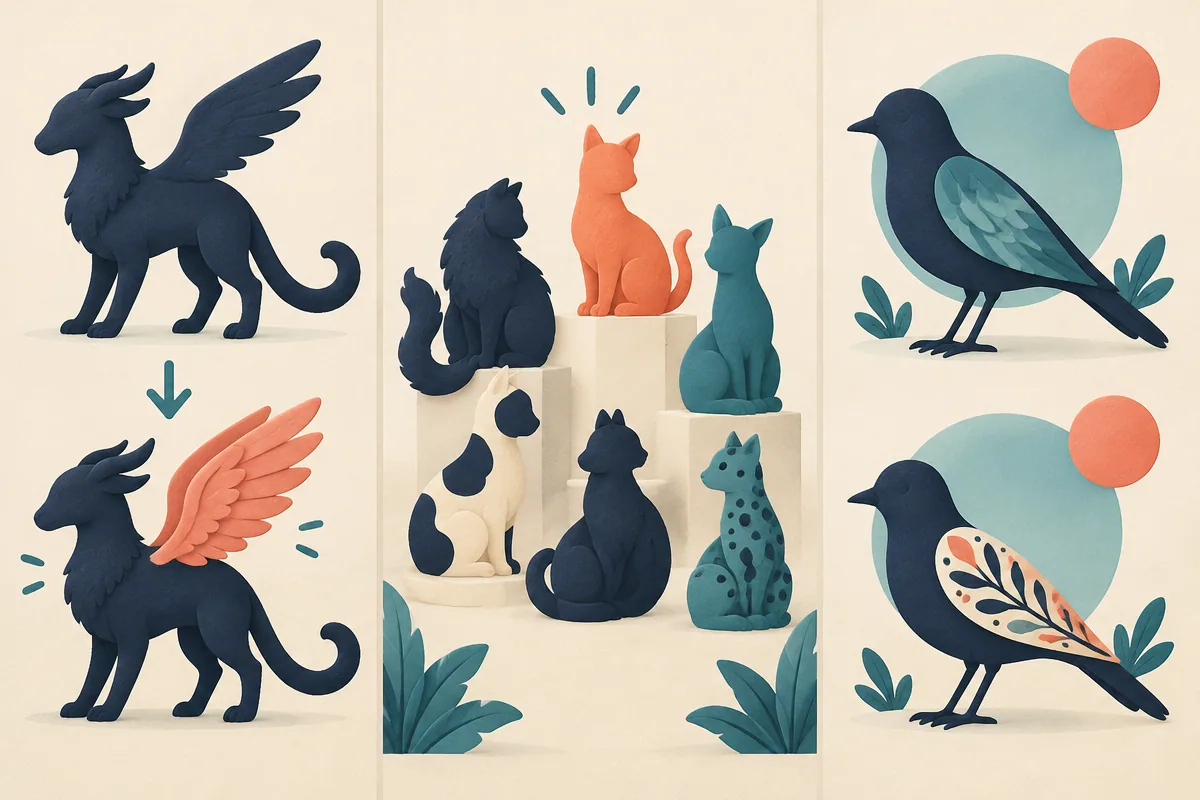
Illustrations compare the customization process without inventing gameplay effects for appearance options.
| Game | Decision to make | Watch for |
|---|---|---|
| Cute Little Dragon Creator | Edit body features, colors and accessories | How the whole creature fits together |
| My Kitties. Catworld | Mix colors to expand a cat collection | Missing shades and in-game tasks |
| Worms Zone | Select a look for the arena character | The wardrobe is separate from route decisions |
| Going up | Unlock a bird appearance with collected coins | A risky detour can interrupt the climb |
Dragon Creator: coordinate several visible features
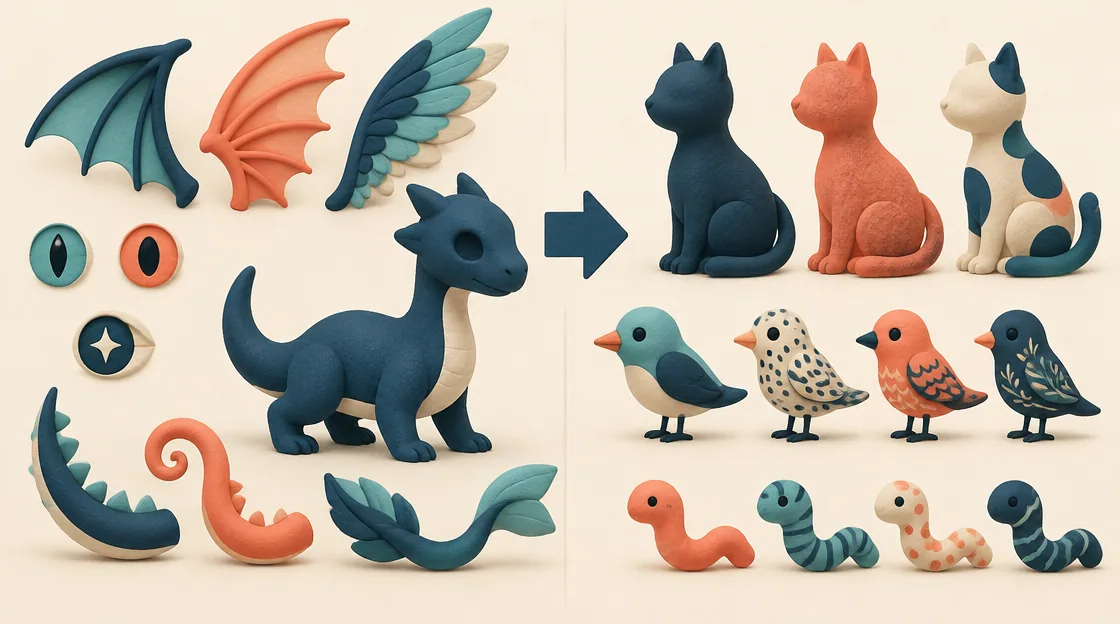
Cute Little Dragon Creator lets you choose colors, patterns, decorations, eyes, wings, a tail and accessories. The editor's appeal is combining those elements into one creature rather than collecting a predefined outfit alone.
Start with a broad visual intention, such as a quiet forest palette or a high-contrast fantasy look. Choose the base color first, then see how patterns appear against it. A pattern that works on a pale body can become hard to distinguish on a dark one.
When an accessory feels wrong, compare it with the creature's overall shape as well as its color. Large wings and a detailed tail can compete for attention. Changing one of those features can produce a more coherent design than adding more decorations.
Catworld: creativity also means managing a collection
My Kitties. Catworld starts with black, white and ginger kittens and uses color mixing to produce additional cats. Tasks accompany the expanding collection, so the goal is not only styling one finished character.
Notice which shades are already present before choosing another mix. A deliberate attempt at a missing result gives you a clearer purpose than repeating a familiar combination. Keep the task requirements in view so experimentation supports the current objective.
The supplied guide names unusual possible colors but does not establish exact mixing recipes. Treat a successful new shade as an observed result, not evidence that every familiar real-world paint rule must apply to the game.
An existing hero’s wardrobe is a different choice
Worms Zone offers a Worm wardrobe on its menu. This lets you choose a look before the arena's movement, food and rival-path decisions. The creative action is selecting an available appearance rather than designing every body feature.
Going up links collected coins to bird skins. Here customization provides a reason to gather optional items during a climb toward the nest. The collection route still needs to avoid obstacles; reaching a risky coin is not useful if it repeatedly prevents meaningful progress.
Neither description establishes that every skin changes speed, collision rules or abilities. Examine what the loaded game actually states before treating an appearance unlock as a performance upgrade.
Match the creative process to the session you want
For a short styling session, choose one dragon feature group and build a coherent look around it. For a collection session, use Catworld to pursue a shade or task you have not completed. For an action session with a cosmetic goal, choose the worm wardrobe or a bird skin target while keeping the main game objective clear.
These approaches leave room for different kinds of creativity. A game with fewer editable features can still offer a satisfying appearance choice, while a detailed editor provides more opportunities to revise one design.
Use comparison instead of constant addition
When a design feels unfocused, compare two alternatives while leaving the other features unchanged. You may learn more from swapping one pattern or wing than from adding another layer.
Choose feature editing for constructing an individual creature, color mixing for broadening a collection, or skins when you want appearance choices alongside an existing action game.
Related tags
Frequently asked questions
Which game lets me change wings and a tail separately?
Cute Little Dragon Creator lists individual choices for eyes, wings and tail, alongside color, patterns, decorations and accessories.
Is Catworld mainly a single-character outfit editor?
Its central activity is mixing colors to create kittens and grow a collection, with tasks to complete alongside that process.
Which cats begin the Catworld collection?
The guide describes black, white and ginger kittens as the starting collection. Their colors provide the initial material for mixing additional cats.
Where is the Worms Zone appearance menu?
The main menu includes Worm wardrobe. It is separate from the in-match decisions about food, movement and rival worms.
Do new skins always improve game performance?
No universal effect is established by these descriptions. Read the loaded option rather than assuming an appearance unlock changes handling or abilities.
What is a useful way to revise a busy design?
Hold most features constant and compare one alternative, such as a different pattern or wing shape. This makes the effect of the change easier to judge.
Try the mechanic that interests you
Play Cute Little Dragon CreatorMore casual guides
 Casual
Vertical Climbing Games: Platforms, Dashes and Stacks
Compare vertical climbing games by alternating jumps, stacking blocks, timed jelly leaps and checkpoint routes. Choose the upward challenge you want.
 Casual
Flight Runner Games: Glide, Climb and Follow the Light
Compare flight runners by steering, upward taps, boosts and light management in Paperly, Horizon, Going Up and Shadobirds.
 Casual
Music Games and Toys: Play Instruments or Follow Beats
Compare music games and sound toys by instrument notes, robot-band controls and beat-timed movement. Choose open sound play or a rhythm challenge.
 Casual
Easter Face Paint: Plan Bunnies, Flowers and Rainbows
Plan an Easter face-paint look with a focal motif, flowers and a balanced palette in Easter Funny Makeup. Includes creative ideas and PNG export.