
Music Games and Toys: Play Instruments or Follow Beats
On this page
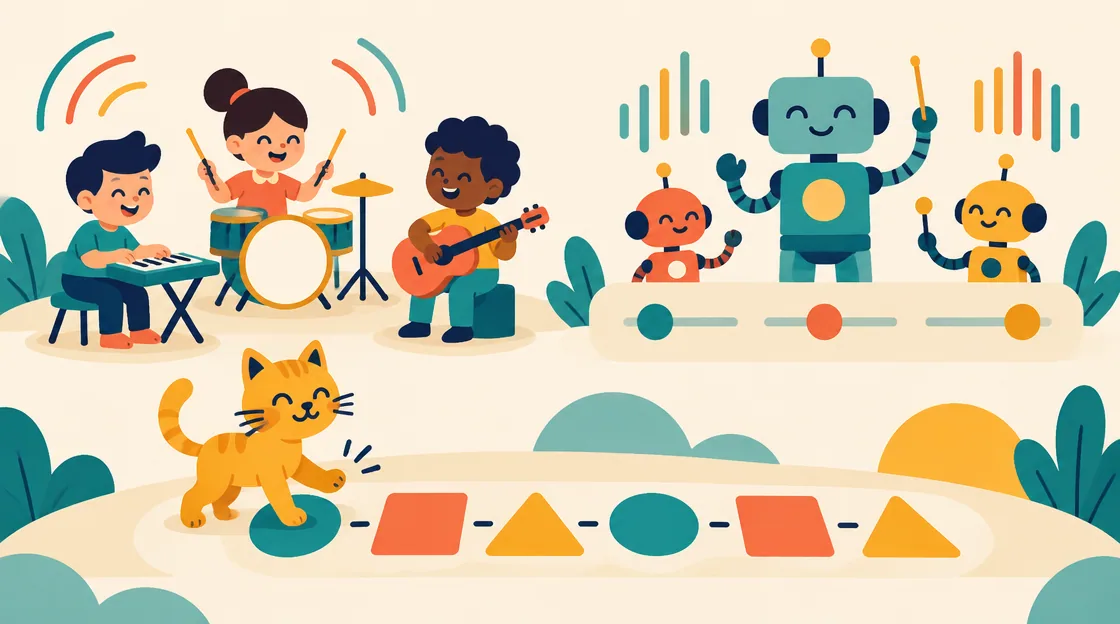
Music games and toys can invite you to create sounds or ask you to follow a timing pattern. Playing a piano note is different from tapping when a character must jump, even when both happen over music. An interactive band can add another format: change the combination of performers and the presentation of the show.
Music Tools, Robot Band, Cat Disco and PLAYMUSIC make those differences concrete. Compare what your input changes and what counts as progress. Choose open sound experimentation when that is the goal, or a rhythm-linked action when you want the music to guide an obstacle or scoring challenge.
| Game | What input changes | Creative or challenge structure |
|---|---|---|
| Music Tools | Notes or beats on an instrument | Try piano, drums and guitar |
| Robot Band | Band members and show sliders | Reshape the performance |
| Cat Disco | A cat’s jump timing | Tap with the music for points |
| PLAYMUSIC | Movement across several modes | Rhythm-linked running and arcade actions |
Music Tools: choose the sound before the pattern
Music Tools provides piano, drums and guitar. Its desktop interface uses the keys shown on the selected instrument to play notes. Start with a few isolated inputs so you can connect the visible control to the sound it produces.
Choose this if creating a short pattern is more interesting than clearing an obstacle. A small repeated rhythm gives you something concrete to compare when switching instruments. The game offers different sound-making surfaces, not a promise that every instrument uses identical keyboard labels or that a composed tune is automatically saved.
Robot Band: change one part of the performance
Robot Band lets you activate robots and move sliders that change features such as colors, music speed and time of day. The activity is reshaping a techno performance rather than following a prescribed jump route.
Listen to the current combination before adding another member or moving several sliders. Changing one feature makes its contribution easier to notice. Choose Robot Band if you want an open performance toy where sound and scene can be adjusted together. Its listed controls describe interaction, not an exportable audio-production system.
Cat Disco: the music gives the action its moment
Jump in Rhythm to the Hit! Cat Disco! uses taps in time with tunes to keep a cat jumping and dancing for points. Its guide recommends listening for the beat and meows before the first tap, with cats that have different described abilities.
This is a different purpose from playing arbitrary notes. The useful question is when the game expects the action. Listen and watch the visible response together instead of assuming the music is only background decoration. Choose it if a compact beat-following action is the experience you want.
PLAYMUSIC: the selected mode changes the movement
PLAYMUSIC includes rhythm runners and arcade modes with actions such as dodging, jumping and flying. Its Cyber Run and Cosmo Run controls use left-right movement, Up to jump and Down to slide, while Neon Flyer adds vertical movement.
Read the mode before importing a familiar action. A downward input that slides in a runner can belong to movement in another mode. Choose PLAYMUSIC if you want several musical action formats rather than one instrument or one tap loop. The current mode supplies the route and action relationship.
Compare making a pattern with following one
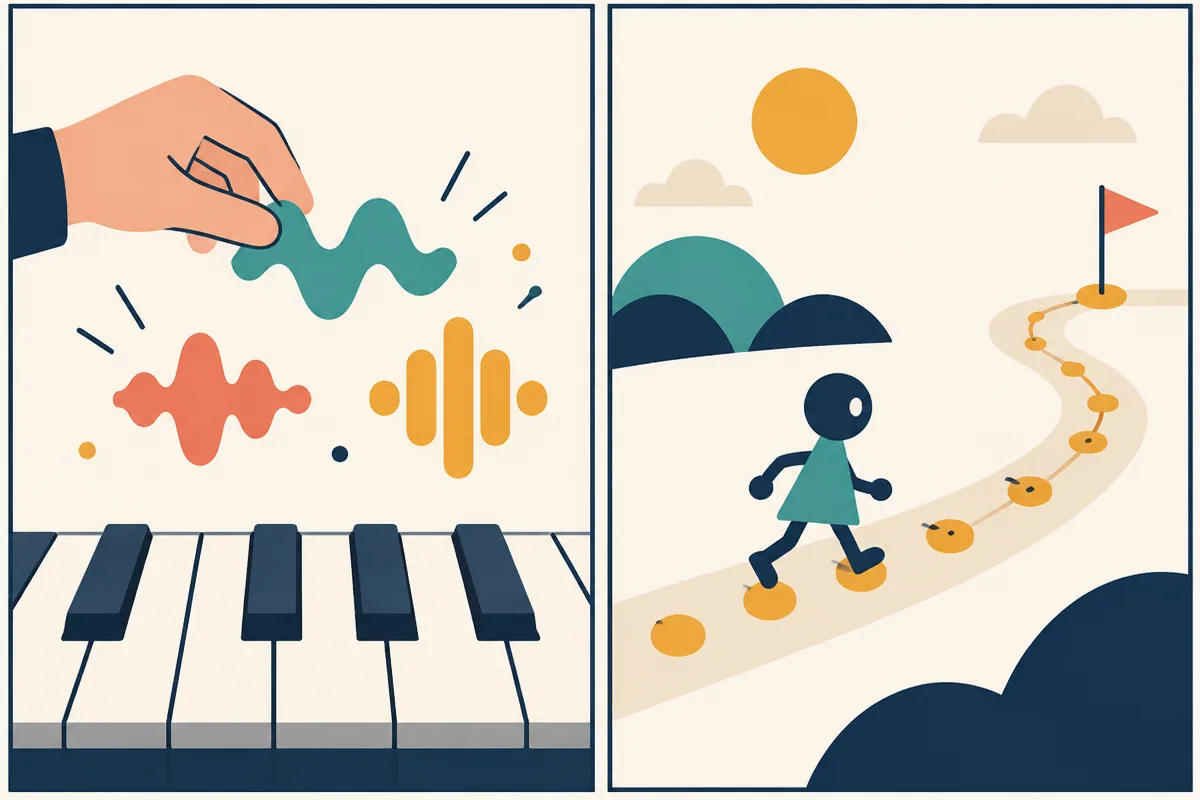
Conceptual sound-and-action comparison; not a song chart or game interface.
Imagine pressing a short sequence of notes because you want to hear how it sounds. The result is judged against your creative intention. Now imagine a character must jump at a musical cue. The game supplies a timing expectation, so the same arbitrary sequence may not serve the task.
Robot Band adds a third question: how do selected performers and settings change the ongoing show? These hypothetical comparisons do not rank the activities or promise musical training benefits. They distinguish the role of input so you can choose the kind of attention you want to give the music.
Music games and toys: choose the relationship between sound and action
Start with Music Tools to play instrument notes, Robot Band to reshape a performance, Cat Disco to time a compact jump action or PLAYMUSIC to connect music with several movement modes. Each makes music active in a different way.
After trying the opening interaction, decide whether you want to create, arrange or follow. A clear answer helps you move between the games without expecting an instrument toy to behave like a scored rhythm course, or a rhythm course to accept any pattern you feel like playing.
Related tags
Frequently asked questions
Which instruments does Music Tools offer?
Piano, drums and guitar. Use the keyboard labels displayed on the selected instrument to find its current note inputs.
What can Robot Band’s sliders change?
Its guide lists colors, music speed and time of day among the adjustable features. Robot combinations also change the performance.
What is the main input in Cat Disco?
A tap timed with the music makes the cat jump and keeps the dance going for points. Listening and watching the response are both useful.
Do all PLAYMUSIC modes use the same actions?
No. Runner modes include jumping and sliding, while a flying mode includes vertical movement. Read the selected mode’s controls.
Does every music toy save or export a song?
No shared recording or export feature is established. These descriptions concern the available play interactions.
How should I choose between a music toy and a rhythm game?
Decide whether you want to create or arrange sounds, or follow a game-supplied timing task. Those are different goals.
Try shaping a robot-band performance with sliders
Play Robot BandMore casual guides
 Casual
Vertical Climbing Games: Platforms, Dashes and Stacks
Compare vertical climbing games by alternating jumps, stacking blocks, timed jelly leaps and checkpoint routes. Choose the upward challenge you want.
 Casual
Flight Runner Games: Glide, Climb and Follow the Light
Compare flight runners by steering, upward taps, boosts and light management in Paperly, Horizon, Going Up and Shadobirds.
 Casual
Easter Face Paint: Plan Bunnies, Flowers and Rainbows
Plan an Easter face-paint look with a focal motif, flowers and a balanced palette in Easter Funny Makeup. Includes creative ideas and PNG export.
 Casual
Gothic Makeover Games: Contrast Dark and Bright Looks
Compare gothic makeover formats, contrasting roommates and a fantasy styling alternative. Plan a coherent palette and save the completed look.