
Parkour Runner 3D
Free to play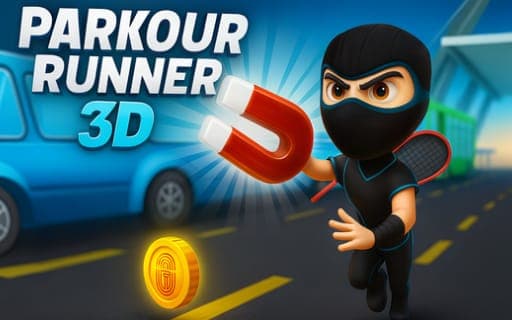
Parkour Runner 3D
Game by Playgama. The provider may show ads and use cookies. Learn more
- Category
- Arcade
- Platform
- Web browser
- Provider
- Playgama
- Price
- Free to play
About Parkour Runner 3D
Parkour Runner 3D is an obstacle-course runner where your character sprints across rooftops, leaps between platforms, slides and dodges traps on the way through each level. The courses demand precise jumps and well-timed slides, and the levels are built to be challenging.
Movement uses a four-direction scheme: one key jumps, one slides and two shift you left or right, available on either WASD or the arrow keys. What adds depth are two special abilities mapped to Space. A single tap fires the Head Booster, while a double tap brings out a Hover Board, and using them at the right moment is part of getting through the tougher sections. Boosts can be collected along the routes, and new characters unlock as you progress, with the long-term aim of earning the title of ultimate parkour champion.
Game provided by Playgama
How to play Parkour Runner 3D
Objective
Master your timing on each obstacle course, collect boosts and unlock new characters on the way to the title of ultimate parkour champion.
Controls
Desktop
- W or Up arrow: jump
- S or Down arrow: slide
- A/D or Left/Right arrows: move left or right
- Space, single tap: activate the Head Booster
- Space, double tap: activate the Hover Board
Getting started
- Pick a control set, WASD or the arrow keys, since both handle every move in the same way.
- As the run begins, shift left and right with A and D or the side arrows to line up with the path.
- Jump with W or Up over gaps and obstacles, and slide with S or Down when the course calls for it.
- Tap Space once to fire the Head Booster, or double-tap it to ride the Hover Board through tricky stretches.
- Collect boosts along the course, finish the level and use your progress to unlock new characters.
Tips
- Jumps and slides share the same timing pressure, so decide early which one an obstacle needs instead of reacting at the last moment.
- Keep the Hover Board double-tap in reserve for difficult sections, since smart use of special abilities is part of clearing the tougher courses.
- Grab every boost you can reach, because collecting them is one of the goals alongside unlocking new characters.
- Stick to one control set, WASD or the arrows, so your hands learn a single layout for jumping, sliding and sidestepping.
Play in your browser. No download needed.
Parkour Runner 3D FAQ
What are the controls in Parkour Runner 3D?
Use W or Up to jump, S or Down to slide, and A/D or Left/Right to move sideways. Space holds two special abilities: a single tap triggers the Head Booster and a double tap activates the Hover Board.
How do you use the special abilities?
Both live on the Space key. Tap it once for the Head Booster or twice quickly for the Hover Board. Using them at the right moment helps on the tougher stretches of each obstacle course.
Can you unlock other characters?
Yes. New characters unlock as you progress, alongside the boosts you collect during runs. Mastering your timing on the obstacle courses is what moves you toward those unlocks and the parkour champion title.